Parallel Processing and the Rebuilt Mate Engine
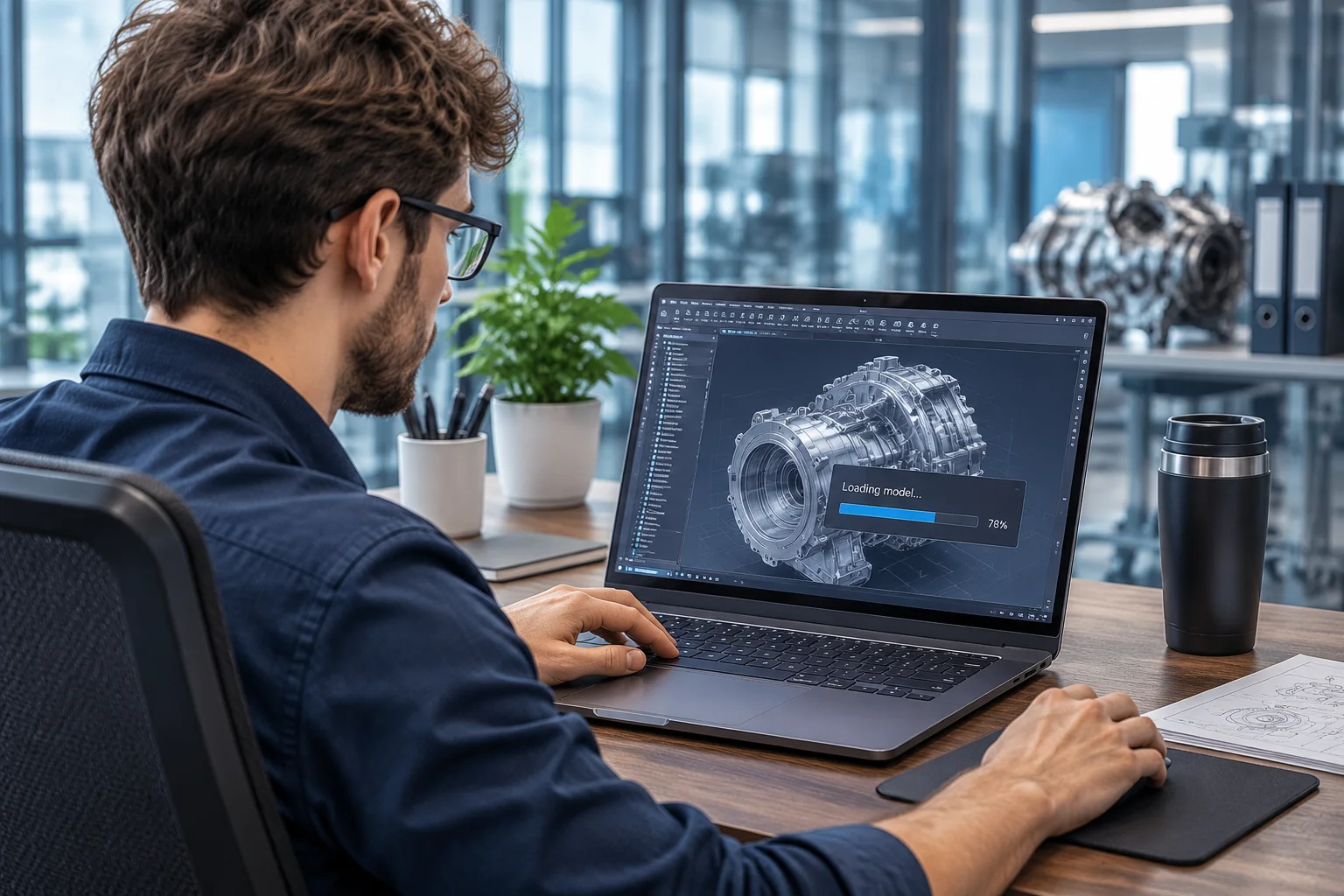
Historically, top-level assembly regeneration in mechanical CAD packages suffered from sequential bottle-necking. Whenever an engineer modified a foundational mounting face or added an offset dimension, the software solved every dependent relationship along a single CPU thread. In SOLIDWORKS 2026, the underlying kinematic engine divides decoupled constraint sub-graphs across available workstation processor cores. Independent kinematic branches calculate concurrently, delivering instantaneous rebuild responses even on complex industrial equipment models.
This multi-threaded architectural rework specifically targets large assembly management where multiple engineers contribute to shared sub-structures. The solver separates static structural frames, routed harness paths, and mechanical motion linkages into distinct mathematical clusters. Because unaffected clusters remain cached, opening or editing components in the context of thousands of surrounding parts feels fluid and responsive.
Pattern-Aware Hardware Insertion and Fastener Logic
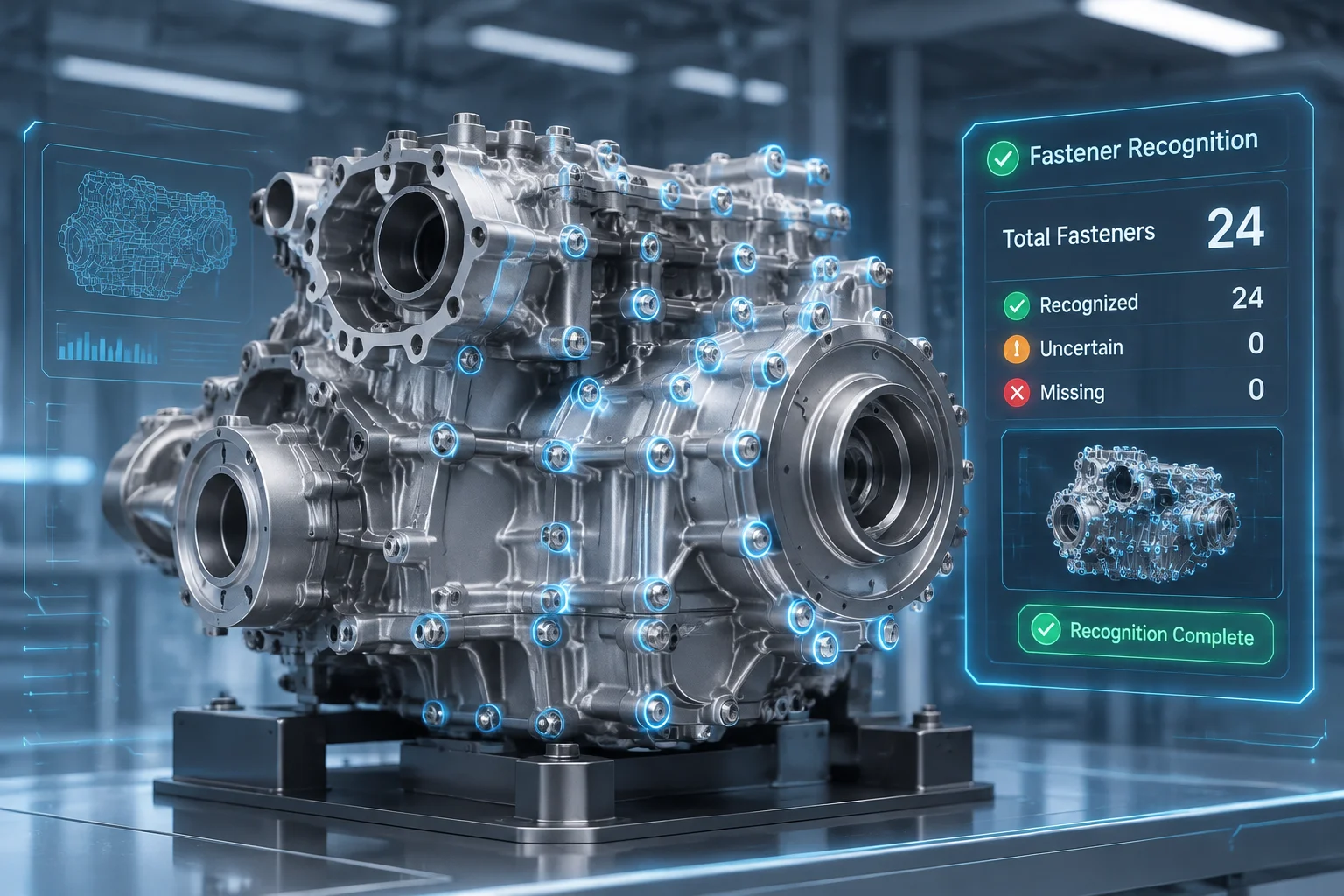
Repetitive fastener placement remains one of the largest time sinks in daily modeling routines. The 2026 assembly tools introduce an intelligent pattern matching system that reads the underlying hole geometry and automatically recognizes bolt circles, slot arrangements, and linear array spacings. When you drop a single bolt into a flange hole, the system suggests complete group populations with matching lock washers and nuts already seated against mating faces.
Assembly Performance Observation
During testing on a 2,500-part test fixture, populating 144 socket head cap screws across structural gussets required two clicks and completed in under three seconds, bypassing the creation of 288 individual concentric and planar coincident mates in the feature manager tree.
Crucially, the software handles rotation lock preferences automatically. Instead of leaving fasteners with an unconstrained rotational degree of freedom that constantly checks against the solver, the new fastener engine locks orientation by default. This eliminates unnecessary degrees of freedom from top-level memory structures without requiring manual property adjustments on individual hardware items.
Interactive Conflict Isolation and Diagnostics
Resolving overconstrained mate warnings has historically created engineering friction, especially when error symbols appear dozens of levels down in the assembly hierarchy. The 2026 update introduces proactive mate inspection overlays that provide real-time visual feedback directly within the 3D viewport, highlighting conflicting planes before you confirm the mate dialogue.
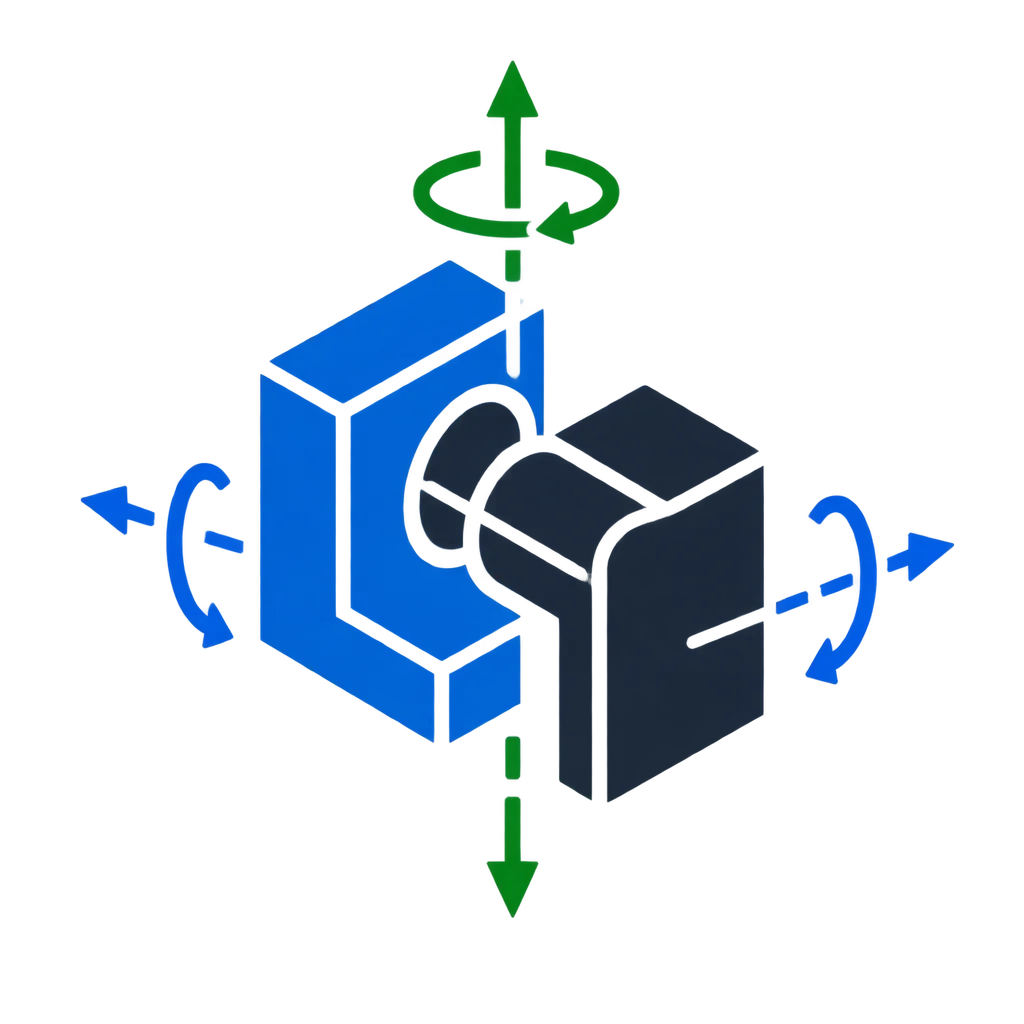
- Dynamic coordinate glyphs display remaining linear and rotational freedoms directly on selected component faces.
- Automated redundancy detection highlights identical planar constraints across parallel subassembly instances.
- Pre-solve conflict alerts flag geometry mismatches before triggering rebuild errors in downstream drawings.